


















November 12, 2026
SolaX Support in Australia: Warranty, Troubleshooting and How to Reach Our Team
Share my #SolaXStory


If something's not working right with your SolaX system, or you just need to understand your warranty before you call anyone, this is the page to start from. Here's exactly how to reach us, what to have ready, and how the warranty process actually works.
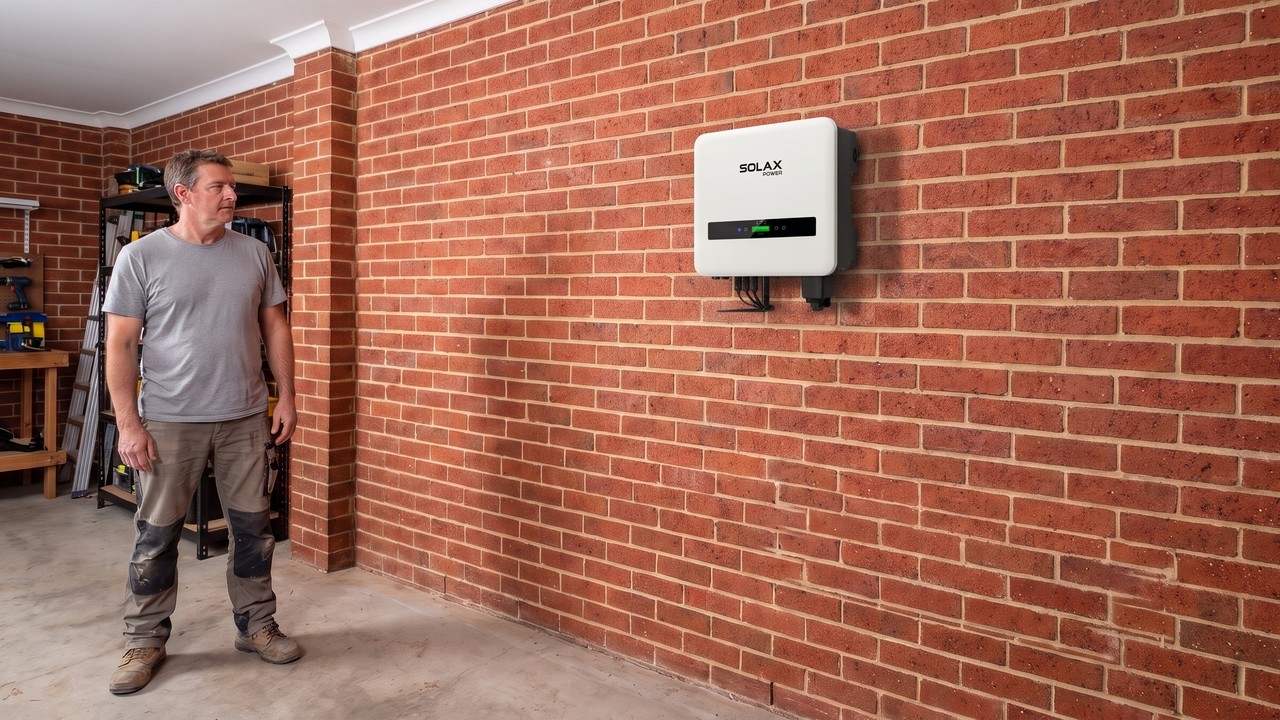
How to Contact SolaX Support
Your first point of contact depends on how your system was installed:
- If you have an installer, contact them first. Your contract is with the retailer who sold and installed your system, and they're your primary point of contact for any fault. They diagnose the issue and submit the claim to SolaX on your behalf.
- If your system is orphaned (your original installer is no longer trading or contactable), contact SolaX Power Australia directly on 1300 476 529 or service@solaxpower.com.au.
Key Takeaway: Going through your installer first isn't a formality, it's genuinely the fastest path, since they can diagnose on-site and submit the paperwork directly. Contacting SolaX directly is the right move specifically when that installer path isn't available to you.
What to Have Ready Before You Call
Whichever path applies to you, have these on hand:
- Your system's serial number
- Your SolaXCloud account login, if you have one
- Any error code showing on your inverter or in the app
- Roughly when the issue started, and whether it's constant or intermittent
Having this ready the first time you call saves a second call back.
Warranty at a Glance
- Batteries: 10 years standard
- Hybrid inverters: 5 years base warranty, extendable to 10 years when the system is registered on SolaXCloud
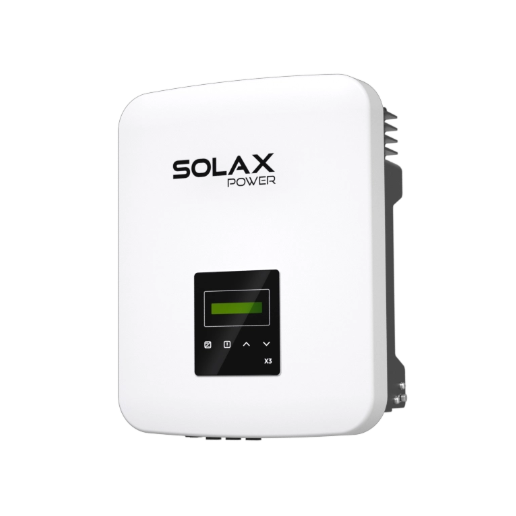
- X3-MIC G2 string inverters: 10 years standard
- WiFi dongle and accessories: 2 years
Warning: Extended inverter warranty depends on registering your system on the SolaXCloud portal after commissioning. If you haven't registered yet, do it now, it can affect what you're covered for later.
For the full terms and conditions by model, see our complete guide: SolaX Warranty Australia: Complete Guide.
How a Warranty Claim Actually Works
- Your installer diagnoses the fault and submits an RMA (Return Merchandise Authorisation) to SolaX.
- Once approved, SolaX typically sends a replacement unit within days.
- Your installer's electrician installs the replacement and manages the swap.
- Keep the replacement unit's packaging until the process is fully closed out.
If your system is orphaned and you've contacted SolaX directly, we'll provide a case number. You'll need to arrange and pay for an electrician yourself for the on-site diagnosis and installation.
Common Troubleshooting Basics
Before calling, it's worth checking the obvious first:
- App or monitoring not updating: check your home WiFi connection and the inverter's own WiFi/network status light before assuming it's a hardware fault.
- Error code displayed: note the exact code. Your installer or our support line can tell you immediately what it means rather than guessing from a general description.
- System underperforming: confirm nothing is shading your panels and that no error code is showing before assuming it's a system fault rather than an environmental one.
Tip: Most app connectivity issues are a home network problem, not a SolaX one. Restarting your router before calling support resolves a surprising number of cases.
For anything beyond these basics, that's exactly what your installer or our support line is for, don't guess at a fix for an error code you haven't confirmed.
Making the Most of the SolaXCloud App
A lot of what feels like a support issue is actually a monitoring question, and the SolaXCloud app is the first place to check before assuming something's wrong:
- Generation looks lower than expected: compare against the app's own historical data for the same time of year rather than a single day, output naturally varies with weather and season.
- A device shows as offline: this is almost always a network issue, not a hardware fault, check your router and the inverter's WiFi status light before contacting anyone.
- You can't see your battery or inverter in the app: confirm the system was registered correctly during commissioning. If it's not showing up weeks after installation, that's worth raising with your installer directly rather than assuming it will resolve itself.
Tip: Set up notifications in the app for fault codes and generation drop-offs. Most issues get caught faster by an alert than by someone noticing their bill looks different a month later.
When to Contact Your State's Network Provider Instead
Not every issue is a SolaX one. If your whole property has lost power, that's a grid outage question for your local network distributor, not SolaX support. Your inverter can't restore grid power that isn't there to begin with. Similarly, feed-in tariffs, export limits and metering belong with your electricity retailer or network provider, not your inverter manufacturer. Knowing which of installer, SolaX or network provider owns your issue saves a round of calls to the wrong number.
FAQ
Table of Contents
Last News
Explore expert insights, practical guides, and the latest news on SolaX Power.



To the Latest Newsletter
Stay Ahead with the Latest SolaX Updates!
Sign up
I have read and agree to Privacy Policy and User Terms