
















June 09, 2026
A Guide to SolaX Inverter LED Indicator Lights (Red Green Yellow)
Share my #SolaXStory


This guide will walk you through every light and pattern, from the “all-clear” signals to the critical alerts. You’ll learn the crucial difference between older and newer models, what to do when common inverter error codes and how to fix them appears, and how to safely reboot your system like a pro.
Understanding these lights can be the difference between a five-minute fix and an unnecessary service call.
The "All-Clear" Signals: Decoding Green & Blue Lights
When your system is converting sunlight into power, it will show a solid "Normal" light. However, the biggest point of confusion for SolaX owners is that the colour for "normal" has changed between models.
The Old Green vs. The New Blue
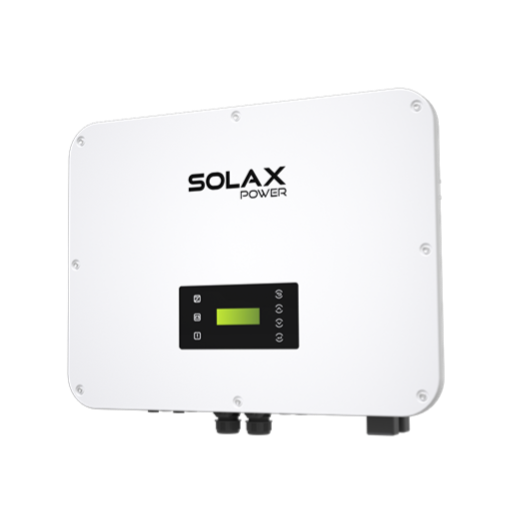
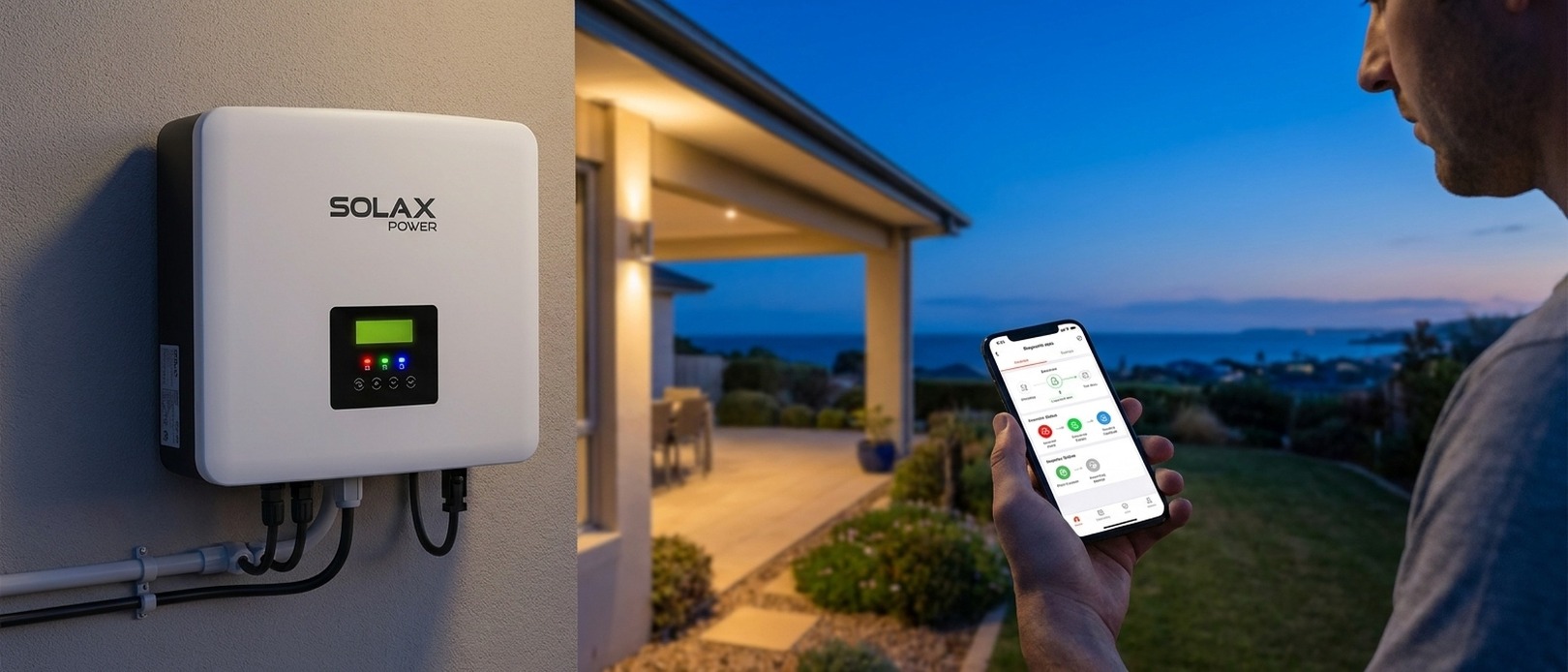
On older SolaX inverters (like the G3 series), a solid green light means everything is working perfectly. It's the classic "go" signal, confirming the inverter is active and exporting power.
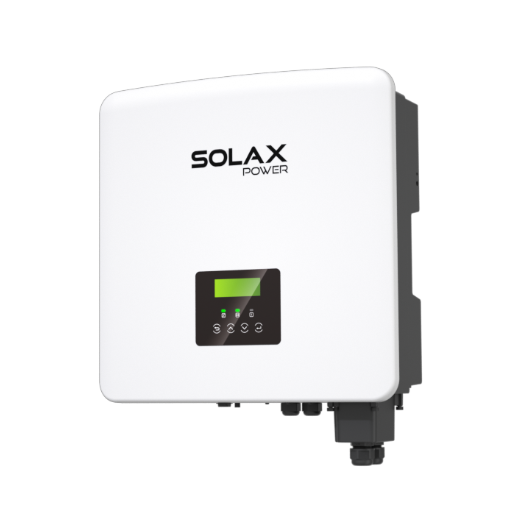
On newer G4 models (like the X1-Boost G4), a solid blue light now signifies normal operation. This one change causes a lot of new owners to think their system is in a standby mode when it's actually working at full capacity. The key is to know which generation you have.
Flashing Green or Blue: The "Waiting" State
Seeing a flashing green or blue light isn't a fault. This is the "Waiting" state, a mandatory safety check. When the inverter starts up in the morning or reconnects after a grid outage, it must monitor the grid for 60 seconds to ensure voltage and frequency are stable before exporting power, as required by Australian Standard `AS/NZS 4777.2`.
If the light flashes for more than a few minutes, it suggests the grid itself is unstable, and the inverter is repeatedly trying—and failing—to get a stable lock.
Pulsing or "Breathing" Light: Low-Light Standby
On an overcast day or during early morning and late evening, you might see a slow, pulsing "breathing" light. This is Standby Mode. It means there's just enough solar energy to power the inverter's brain, but not enough to start converting power for your home. It's an energy-saving feature, and the inverter is simply waiting for more sun.
Is Your System Online? The Yellow Light & WiFi Dongle
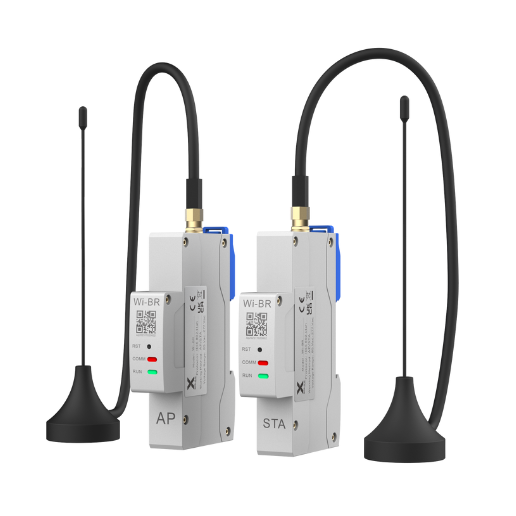
The yellow or amber light is almost always about communication. More often than not, the light you need to check isn't on the inverter itself, but on the small WiFi dongle plugged into the bottom.
If your remote diagnostics app isn't updating, the dongle is the first place to look. An issue here won't stop your system from producing power, but it will stop you from seeing the data.
Here’s a quick guide to what the dongle's own LED is telling you.
If the main inverter chassis shows a solid yellow light, it usually means it has lost communication with a connected device like a battery or smart meter. Check that the data cables are plugged in securely.
The Red Alert: What a SolaX Fault Light Actually Means
A red light on your SolaX inverter means it has detected a fault and entered a protective shutdown mode. While this is alarming, it’s important to know that in Australia, the cause is most often an external issue with the grid, not a failure of your inverter.
A red fault light is the inverter doing its job: protecting itself and your home from unsafe electrical conditions.
The Most Common "Fault": Grid Over-Voltage
The single most frequent cause for a SolaX inverter fault red light in Australia is high voltage from the street. On sunny days, when hundreds of homes in your area are exporting solar power, the voltage on the local electricity network can rise above the legal limits.
To comply with safety standard `AS/NZS 4777.2:2020`, your inverter *must* disconnect from the grid when this happens. It's a network problem, not an inverter problem.
This issue often requires your local network provider (e.g., Ausgrid, Powercor) to adjust the local transformer.
The Critical Safety Stop: Isolation (ISO) Faults
An "Isolation Fault" is one of the most serious errors. It means the inverter has detected electricity leaking to the ground, usually because moisture has gotten into a DC isolator or cabling on the roof. This is a significant fire risk.
If you see an ISO Fault, the inverter will show a solid red light. You must shut the system down immediately and call a licensed solar electrician to find and fix the leak.
When It's Actually the Inverter (Internal Faults)
If a red light persists after a reboot and isn't related to the grid, it may signal an internal hardware failure like a "Relay Fault" or "SPI Fault". These are rare but require a technician and a warranty claim to resolve.
The First Fix for Any Fault: How to Safely Reboot Your System
Before calling for service, the first step for any fault is a full system reboot. Following the correct shutdown and restart sequence is critical for safety and for properly clearing the error.
Step 1: The Shutdown Sequence (AC First, Then DC)
Turn OFF the AC: Go to your switchboard and turn off the switch labelled "Solar Supply Main Switch".
Turn OFF the DC: Go to your inverter and turn the large "PV Array DC Isolator" dial to the OFF position.
Turn OFF the Battery (if you have one): Use the dedicated battery isolator or power button.
Step 2: The 5-Minute Safety Wait
Step 3: The Restart Sequence (DC First, Then AC)
Turn ON the Battery (if applicable).
Turn ON the DC: Turn the "PV Array DC Isolator" on the inverter back to the ON position. The screen should light up.
Turn ON the AC: Go back to your switchboard and turn the "Solar Supply Main Switch" back ON.
The inverter will now start up, go through its 60-second "Waiting" phase (flashing light), and hopefully return to a solid blue or green light.
Navigating Warranty & Support in Australia
If a reboot doesn't clear a fault, your next step is to seek support.
SolaX Australia can assist directly
You will need your inverter's serial number (found on the side of the unit) when you contact them.
SolaX Australia Support Phone: `1300 476 529`
SolaX Australia Support Email: `service@solaxpower.com.au`
FAQ
Table of Contents
Last News
Explore expert insights, practical guides, and the latest news on SolaX Power.



To the Latest Newsletter
Stay Ahead with the Latest SolaX Updates!
Sign up
I have read and agree to Privacy Policy and User Terms