
















July 13, 2026
Troubleshooting SolaX Battery Communication Faults
Share my #SolaXStory


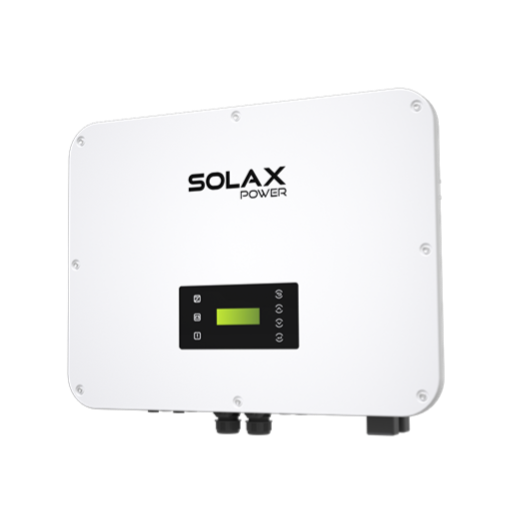
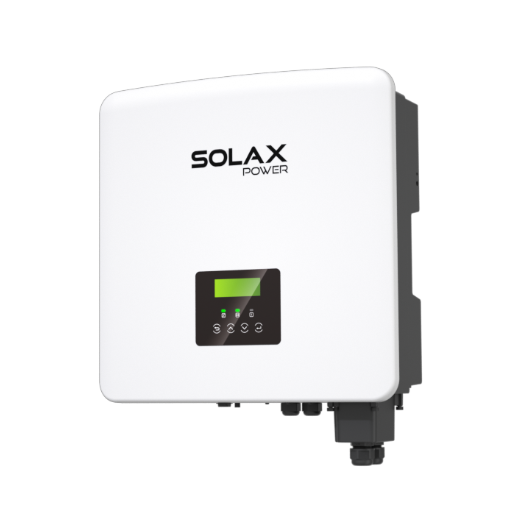
You walk past the inverter, glance at the screen, and there it is: a communication fault, a flashing LED, or a warning in your Solax Cloud app that the battery has dropped offline. Yesterday everything was fine. Today the inverter and battery are not talking, and your house is back on full grid power.
The good news is that most SolaX battery communication faults are not catastrophic. They are almost always fixable, and a fair share can be resolved by the homeowner with a careful look around the system. The job of this guide is to walk you through what a communication fault actually is, what causes it, what you can safely check yourself, and the point at which you should put the screwdriver down and call a SolaX-approved installer.
Key Takeaway: A SolaX battery communication fault means your inverter and battery have lost their data conversation, not that either unit has failed. Most are recoverable without parts.
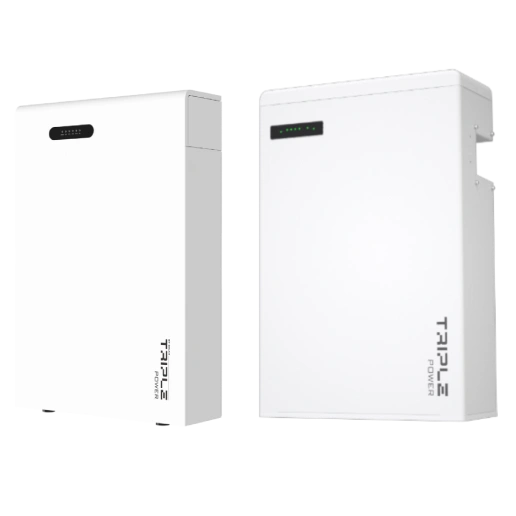
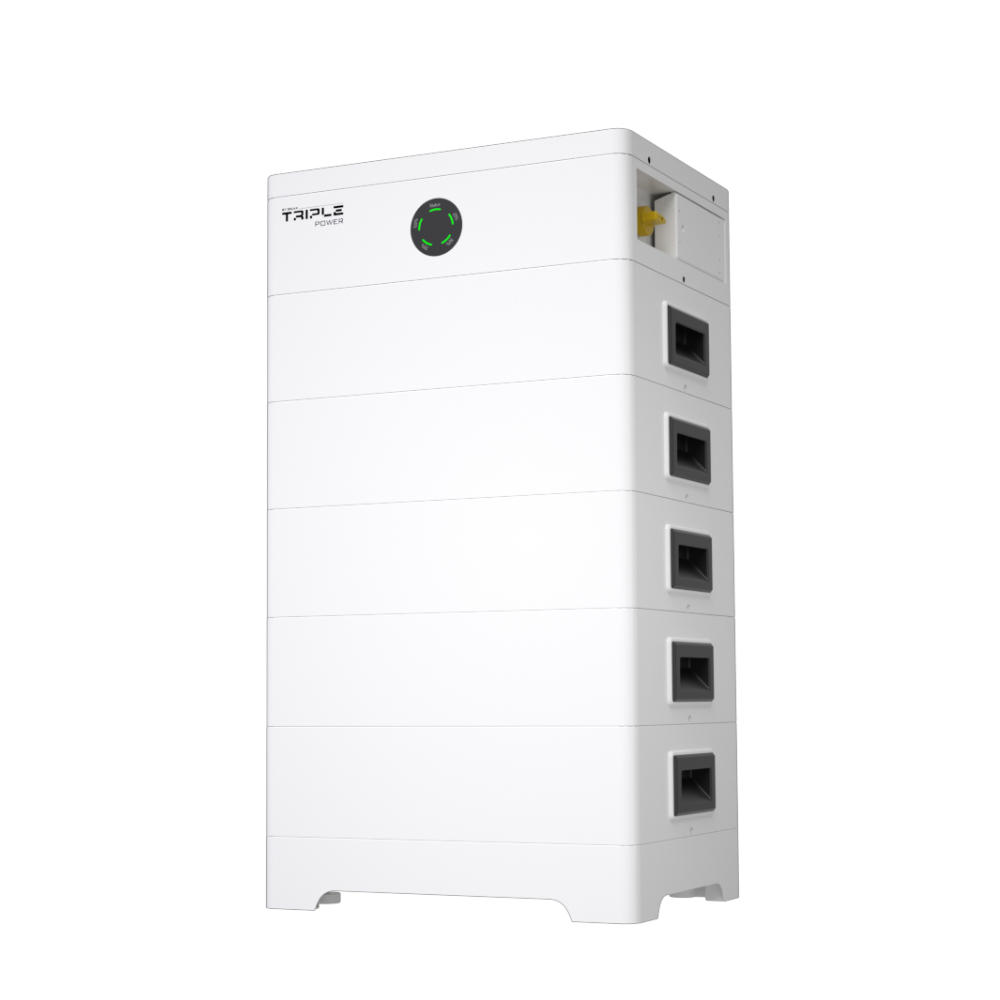
This article is written for an Australian homeowner with a SolaX hybrid inverter and a SolaX battery (T-BAT series). If you are running a different brand of battery behind your SolaX inverter, the principles still apply but specific cable types and addressing rules will differ. When in doubt, check your inverter screen and the Solax Cloud app first, and treat the rest of this guide as a structured way to think about the problem before you call anyone out.
What a Battery Communication Fault Actually Means
The phrase "communication fault" gets used loosely, so it helps to be specific. Your hybrid inverter and your battery are two separate computers. They exchange data constantly: state of charge, cell temperatures, allowable charge and discharge rates, fault flags, firmware handshake. When that conversation stops, the inverter cannot trust the battery, and it will refuse to charge or discharge it. The battery itself is usually fine. The wires, the protocol, or one piece of firmware between them has gone wrong.
The two-way handshake in plain English
Think of it like a phone call between two people who speak slightly different dialects. The inverter dials the battery, the battery picks up, and they agree on what language they are using, who is allowed to ask for what, and how often they will check in on each other. If either side stops responding within the expected window, the other side hangs up and raises an alarm. That alarm is what you see on the screen. The phrase you will most often encounter in SolaX documentation is "BMS communication fault" or "AFE communication fault", where BMS is the battery management system and AFE is the analog front end inside the battery that watches the cells.
Why it tends to show up out of nowhere
Communication faults often appear after something has changed in the background. A firmware push overnight, a thunderstorm rolling through, a power flicker on the street, a hot day inside the garage where the gear lives, or even a spider that has built a nest near a connector. They are rarely "the battery just died". They are usually "something nudged the connection enough to break it". That is why a calm, methodical look is more useful than panic.
Common Causes Behind a SolaX Communication Fault
Most SolaX communication faults trace back to one of five families. If you understand the family, you understand what is worth checking and what is not.
Cable and connector problems
This is by a wide margin the most common cause. SolaX hybrid inverters talk to their batteries over a dedicated communication cable, usually a CAN bus or RS485 link running through an RJ45 (network-style) connector. A bent pin, a slightly unseated plug, the wrong pinout when an installer made up a cable on site, or a tug from a curious pet can all break the conversation. The cable is also unhappy near high-voltage DC cabling, mains wiring, or strong RF sources, which can corrupt data even when the physical connection looks fine.
Tip: If your battery has been physically moved or anything was unplugged in the cabinet recently, the communication cable is the first thing to suspect.
Firmware version mismatch
SolaX rolls out firmware updates for both inverters and batteries. They are designed to stay compatible, but when one side updates and the other does not, the handshake can drift. You might see a battery that comes online for a few minutes and then disappears, or a system that works on a charge cycle but throws a fault as soon as it tries to discharge. A firmware update usually clears it - but this can only be actioned by a SolaX-approved installer or SolaX directly. If you see an update prompt in the Solax Cloud app, don't apply it yourself; log it and raise it with your installer.
Battery management system (BMS) faults
Inside the battery is the BMS, the brain that monitors every cell, balances them, and reports up to the inverter. The BMS can flag a fault for genuine internal reasons (a cell out of balance, a temperature spike, a sensor that has drifted) and pull itself off the network until the cause is resolved. From the inverter's point of view, the battery has gone silent and that registers as a communication fault. The fix here is not on the homeowner side. The BMS needs to be diagnosed by someone with the right access.
Surge events and grid disturbances
Australian conditions are hard on solar gear. Summer storms, lightning strikes nearby, line voltage spikes, and the occasional grid-tied switch operation can all push a transient through the system. Even with surge protection devices in place, sensitive communication circuits can get rattled. A communication fault that appears the morning after a storm is a classic pattern.
Temperature, dust, and the environment
Hybrid inverters and batteries are rated for a temperature range. Sit them in a hot, north-facing garage with no ventilation, and you may see communication faults on the hottest days because the gear has thermally derated to protect itself. Dust, salt air near the coast, and insects building inside the cabinet are also worth mentioning. None of these mean the gear has failed. They mean the install environment is not as friendly as the spec sheet assumed.
A communication fault is almost never a dead battery. It is a broken conversation between two healthy devices.
How SolaX Tells You There Is a Problem
SolaX equipment surfaces faults in three places: the inverter screen, the indicator LEDs on the front of the kit, and the Solax Cloud app on your phone. Reading all three together gives you a clearer picture than any one alone.
Inverter screen messages and LED behaviour
The inverter's small LCD will typically display a short alarm code or a plain-English description such as a BMS communication fault, AFE communication fault, or a battery system fault. The exact wording depends on your inverter family and firmware. LED patterns vary by model and firmware, so treat any flashing or unusual indicator as worth noting. Record the exact LED behaviour before you do anything else — it is the single most useful piece of information you can pass to an installer.
SolaX inverter problems and error code reference
What the Solax Cloud app shows
Open the Solax Cloud app and look for three things. First, is the inverter online at all? If the inverter has dropped off the cloud, you have a separate connectivity problem to deal with before you can read the battery state. Second, does the dashboard show a battery present, with a state of charge percentage and a charging or discharging power? If the battery tile is greyed out, blank, or shows "battery not detected", that aligns with a communication fault rather than a battery hardware fault. Third, scroll into the alarms or events log. SolaX timestamps every alarm, which lets you see whether the fault is intermittent (popping in and out) or persistent.
Alarm patterns to take seriously
A one-off communication fault that clears on its own after a power flicker is not unusual. A pattern of faults clustered around a particular time of day (often the hottest part of the afternoon), or faults that coincide with weather events, point to environmental causes. Faults that have appeared and stayed, with no recovery, are the ones that most need attention. If your alarms log shows multiple different fault types at once (communication, temperature, overcurrent), stop home troubleshooting and contact your installer.
Homeowner-Safe Checks Before You Call an Installer
There are three checks you can safely do yourself with no tools beyond your phone and a torch. None of them involve opening the battery, undoing any electrical work, or touching anything inside the DC cabinet. If any step asks you to open a panel or disconnect a live cable, that is a job for a licensed installer, not you.
The proper restart sequence
A controlled restart resolves a surprising number of communication faults because it forces the inverter and battery to redo their handshake from scratch. The sequence matters, and it is documented in your inverter user manual. The general pattern, with your installer's specific instructions taking precedence, is:
| Step | Action | Why it matters |
|---|---|---|
| 1 | Switch off the AC isolator on the inverter | Removes grid feed cleanly |
| 2 | Switch off the battery isolator or breaker | Powers down the BMS |
| 3 | Switch off the PV (solar) DC isolator | Removes the solar input |
| 4 | Wait at least 5 minutes | Lets capacitors discharge and BMS state clear |
| 5 | Power up in reverse order: PV, then battery, then AC | Inverter sees a clean system on boot |
Note: Never open the inverter or battery enclosure to do this. All switching happens at the labelled isolators on the outside of the units.
If the fault clears after a clean restart and does not return within 24 hours, you are probably looking at a one-off transient. If it returns within hours or days, the cause is still there and needs investigating.
Visual checks you can do without opening anything
Walk up to the gear in daylight and look at it properly. Are the cables between the inverter and battery sitting flush in their sockets, or has one worked itself loose? Is there any sign of insect or rodent activity near the cabinet vents or cable entries? Is anything visibly scorched, discoloured, or smelling burnt? (If it is, stop here, isolate at the switchboard, and call your installer immediately.) Is the gear caked in dust, or is ventilation blocked by stored items? Is the cabinet sitting in full afternoon sun without shading? These are all environment-level findings you can report without touching anything live.
Confirming firmware and connectivity
In the Solax Cloud app, check the firmware versions reported for the inverter and the battery. If your installer has told you what the current supported pairing is, compare. If there is an update available and the app prompts you to apply it, do not action it yourself - firmware updates can only be performed by a SolaX-approved installer or SolaX directly. Log the current versions and the prompt, and pass them to your installer when you call.
How to use the Solax Cloud app to monitor your system
When to Stop and Call a SolaX-Approved Installer
The line between safe DIY checks and installer territory is sharp, and it exists for good reason. Lithium batteries store serious energy, hybrid inverters carry both high-voltage DC and 230V AC, and rebate and warranty conditions almost always require a licensed installer for any internal work.
Hard red lines you should never cross
Do not open the battery enclosure. Do not open the inverter cover. Do not unplug or replug the high-voltage DC cables between the battery and inverter, even if you can see one is sitting slightly proud of its socket. Do not attempt to "reseat" the communication RJ45 plug if doing so requires removing a panel. Do not work on the system in the wet. Do not attempt firmware updates yourself under any circumstances - this is SolaX-approved installer or SolaX territory only, whether the system is faulted or healthy. If any of those tasks need doing, they need a SolaX-approved installer.
Symptoms that need same-day attention
Some signs mean you should stop reading articles and pick up the phone today, not next week. Burning smells, visible smoke or melted plastic, audible buzzing or arcing from the inverter, a battery enclosure that is hot to touch through its outer skin, repeated tripping of the main switchboard breaker, or a battery alarm that pairs with a smoke alarm in the same space. In those cases, isolate the system at the main switchboard if you can do so safely, get people away from the unit, and call your installer or emergency services depending on severity.
Note: Lithium battery thermal events are rare but not impossible. If anything looks, smells, or sounds wrong with the battery itself, treat it as an emergency, not a troubleshooting puzzle.
Preventing Communication Faults Down the Track
Most communication faults can be reduced by paying attention to three things over the life of the system. None of them are expensive. All of them require a tiny bit of regular attention.
Keep firmware current
Firmware drift between the inverter and the battery is one of the more common silent causes of intermittent faults. Firmware updates can only be actioned by a SolaX-approved installer or SolaX directly, so your installer is responsible for keeping you on a supported pairing. You can help by not ignoring update prompts inside the Solax Cloud app - note them and raise them with your installer promptly, rather than waiting for the annual service. Ask your installer what the current recommended firmware pairing is for your model combination, and confirm you are on it.
Remote diagnostics and early problem detection through solar monitoring
Monitor weekly, not yearly
Open the Solax Cloud app once a week, even briefly. You are looking for the basics: is the inverter online, is the battery cycling normally, is the state of charge moving up and down as you would expect with the weather? A communication fault caught at week one is a five-minute conversation with your installer. The same fault caught at month six is potentially a battery that has been sitting at the wrong state of charge for so long that cell balance has drifted.
Book an annual system health check
A short visit from a SolaX-approved installer once a year, ideally in autumn before storm season really arrives, will catch the slow-burn issues. Loose terminals, deteriorating gaskets on outdoor units, dust buildup in vents, insects in cable glands, ageing surge protection devices, and firmware that has drifted. None of these are exciting, but together they account for most of the second-year and third-year communication faults installers see.
AC vs DC coupling and what it means for hybrid system reliability
Warranty and the Escalation Path
If a fault is real, persistent, and inside the equipment rather than around it, you have a warranty path. Knowing what it looks like in advance saves you weeks.
Logging the fault properly
Before you call anyone, capture three things. A photo of the inverter screen showing the fault code or message. A screenshot of the Solax Cloud app showing the alarms log with timestamps. A short written note of when the fault first appeared, what (if anything) was happening at the time, and what you have tried (restart, visual check, cloud app review). That set of three is worth its weight in installer time and stops the conversation starting from zero.
Your installer is the first point of call
Australian solar warranties are administered through the installer who supplied and installed the system. SolaX backs the product warranty, but the installer is your contact point. They will run a remote diagnostic if they have access, or arrange a site visit. If you no longer have a relationship with the original installer (they have closed, moved, or you have moved house), a SolaX-approved installer can pick up the system, run diagnostics, and coordinate with SolaX on your behalf.
Find a SolaX-approved installer near you
Escalating to SolaX
If your installer agrees there is a product-level fault and the unit needs replacement or repair under warranty, they will lodge a claim with SolaX directly. You do not normally need to deal with SolaX yourself. If the process stalls or your installer is non-responsive, you can contact SolaX Australia through the support contact details on the SolaX Power Australia website, and they will help you find an alternative approved installer to take the claim forward.
Key Takeaway: Document the fault, call your installer first, and only escalate to SolaX directly if your installer is non-responsive. Warranty claims are smoother when there is a clear timeline.
Next Steps
Most SolaX battery communication faults are fixable, often without parts and sometimes without a site visit. The honest path is to do the safe checks first, log what you see, and bring an installer in for anything that requires opening a cabinet or touching the electrical work.
If you do not already have a regular installer, or your original installer is no longer trading, the simplest next step is to find a SolaX-approved installer in your area and book a diagnostic visit. They have direct access to SolaX technical support, current firmware pairings, and the experience to read your alarm log quickly.
Find a SolaX-approved installer near you
For broader system troubleshooting beyond the battery itself, the SolaX five-minute troubleshooting guide is a useful companion read before you call anyone.
FAQ
Table of Contents
Last News
Explore expert insights, practical guides, and the latest news on SolaX Power.



To the Latest Newsletter
Stay Ahead with the Latest SolaX Updates!
Sign up
I have read and agree to Privacy Policy and User Terms