
















May 07, 2026
"My Solar Isn't Working" — A 5-Step Troubleshooting Guide
Share my #SolaXStory


That sinking feeling hits you. Your solar monitoring app flashes "Offline," or your latest power bill is way higher than it should be. You invested in clean, free energy, and now it seems to have vanished. Before you start picturing costly repairs and complicated call-outs, take a deep breath.
The single most important thing to know is that in the vast majority of cases, an app that says your system is offline is wrong. Your solar panels are likely still working perfectly, generating power, and saving you money. The problem is often a simple communication breakdown, not a catastrophic failure.
This guide is your calm-down checklist. We'll walk you through the simple, ground-level checks that solve many common solar issues, help you understand what your system is telling you, and clarify exactly when you need to call in a professional.
"In most cases, your solar is still working perfectly. The problem is usually with your Wi-Fi, not your panels."
The #1 Solar Problem in Australia (And How to Fix It)
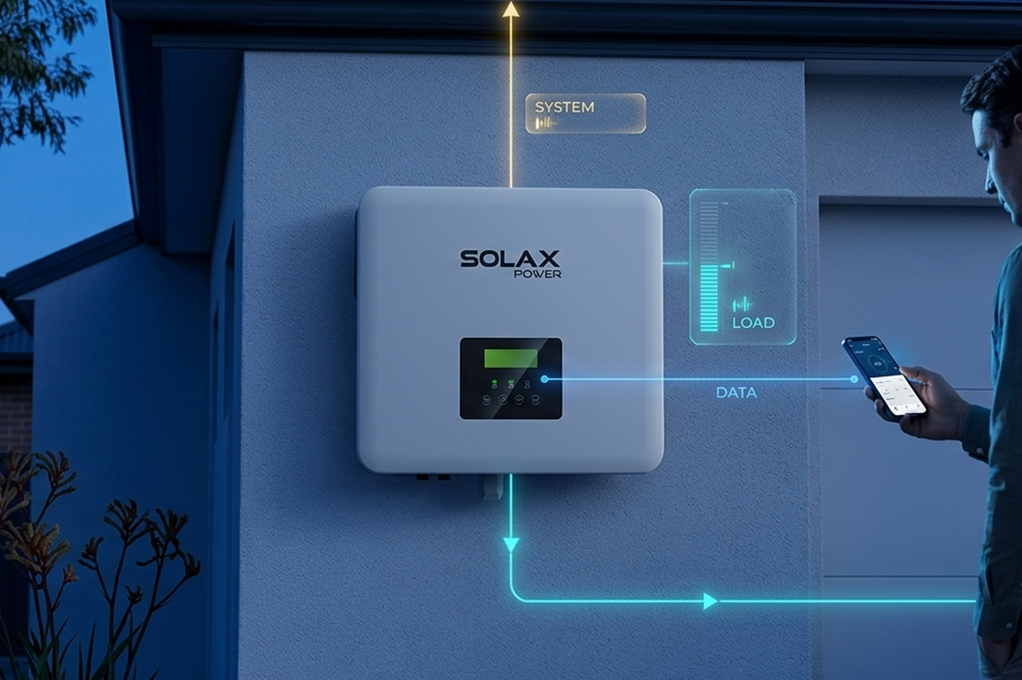
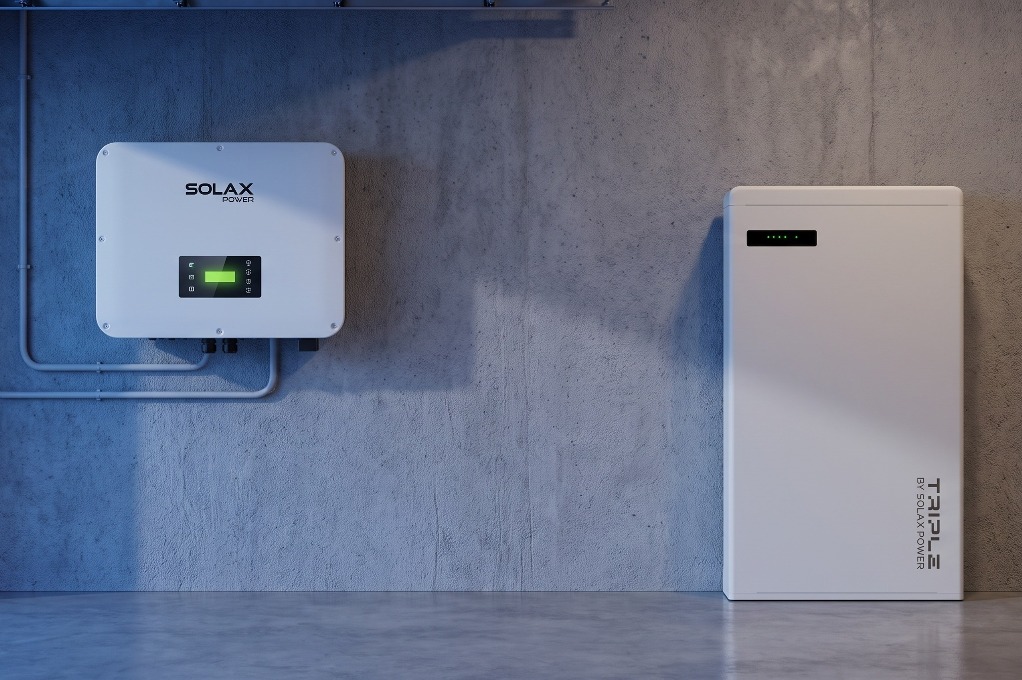
We see it every day: a frantic call about a "broken" solar system. But before we do anything else, we ask one question: "What colour is the light on your inverter?" If the answer is "solid green," the good news is your solar isn't broken at all.
The problem is what we call a "digital disconnect." Your inverter is the brain of the operation, and your app is just a messenger. If the messenger can't talk to the brain because your home Wi-Fi changed, it will report that the system is down, even when it's generating power at full capacity.
Has Your Home Internet Changed Recently?
Your solar inverter connects to the internet just like a laptop or smart TV. Think back did you recently:
- Change your internet provider or switch to the NBN?
- Get a new router from your provider?
- Change your Wi-Fi network name or password?
Any of these things will disconnect your inverter from its monitoring server. Reconnecting it is usually simple. With a Solax inverter, the app guides you through a quick process to find your Wi-Fi network and re-enter the password.
Tip: When reconnecting, make sure your phone is joined to the same 2.4GHz Wi-Fi network you want the inverter to use. This is a common stumbling block.
Is Your System Just Taking a Normal Break?
Your solar system's output isn't a flat line; it's a curve that responds to the environment. Sometimes, what looks like a fault is actually just your system operating exactly as it should.
- Cloudy Days & Low Light: On an overcast day, or very early and late in the day, there simply isn't enough light for the system to produce significant power. The inverter might show an amber or orange light, meaning it's in standby. This is completely normal.
- Extreme Summer Heat: Solar panels are tested at a comfortable 25C. On a blistering 40C Australian summer day, the surface of a panel can hit 70C. This extreme heat reduces efficiency, a process called thermal derating. A panel can lose 15-20% of its potential output during a heatwave. This isn't a fault; it's just physics. Your system is still working hard, just with a heat-induced handicap.
- Grid Traffic Jams: In suburbs with a lot of rooftop solar, the local grid's voltage can sometimes get too high on sunny days. To protect your home's appliances from surges, your inverter is designed to automatically reduce power if the voltage exceeds 253V. It's not a problem with your solar system; it's an issue with the local grid.
How to Read Your Inverter's Secret Language
If the problem isn't your Wi-Fi or the weather, your inverter itself will tell you what's wrong. Its status lights are the most reliable diagnostic tool you have.
The Traffic Light System: Green, Amber, Red
Most inverters use a simple colour code. Here's what they mean in plain English.
| Indicator Colour | What It Usually Means | Your Next Step |
|---|---|---|
| Green (Solid) | Normal Operation. Your system is generating power. | Relax. If the app is offline, it's a Wi-Fi issue. |
| Green (Flashing) | Starting Up. The inverter is booting and checking the grid. | Normal at sunrise. Wait a few minutes. |
| Amber/Orange | Standby. Not enough sunlight to generate power. | Normal in low light. If it's sunny, investigate further. |
| Red (Solid) | System Fault. A critical error has occurred. | The system has shut down for safety. Do not ignore this. |
A solid red light is your signal that a genuine inverter fault has occurred. It's often paired with an error code on the screen, which gives you the exact reason for the shutdown.
The Safe 60-Second Reboot That Fixes Almost Anything
If there's no obvious red-light fault, a full system reboot can often clear temporary glitches, just like restarting your computer. However, you are dealing with high-voltage electricity, so following the shutdown sequence precisely is non-negotiable for your safety.
The Correct Shutdown & Startup Sequence
Shutdown Procedure:
- Go to your main switchboard and turn OFF the "Solar Supply Main Switch."
- Go to your inverter and turn OFF the "AC Isolator" (often a switch next to the unit).
- On the inverter itself, turn OFF the "DC Isolator" (usually a large rotary switch).
- Wait at least one full minute. This is critical to allow the internal components to fully discharge.
Startup Procedure (Reverse Order):
- Turn ON the "DC Isolator" at the inverter.
- Turn ON the "AC Isolator" next to the inverter.
- Turn ON the "Solar Supply Main Switch" at your switchboard.
The inverter will now begin its startup sequence, which can take several minutes. If the same fault appears after the reboot, you've confirmed it's a persistent issue, not a temporary glitch.
When to Call for Backup (And Understand Your Rights)
If you've run through this checklist and your system is still showing a fault, it's time to call a licensed solar electrician. For your safety, never attempt to open an inverter casing or perform any rooftop work yourself.
A huge problem facing Australian homeowners is the "orphaned solar system"—where the original installation company has gone out of business, leaving you with no one to call for workmanship issues.
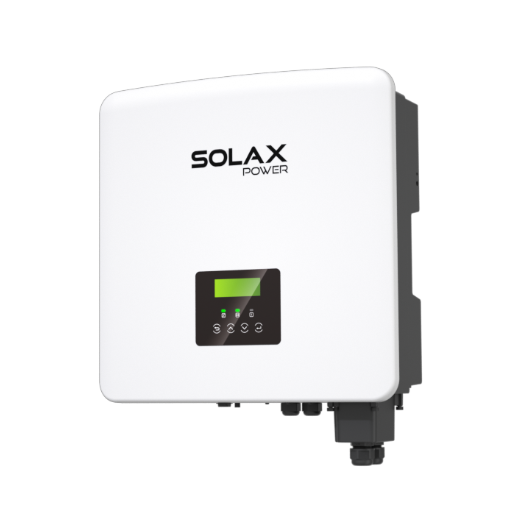
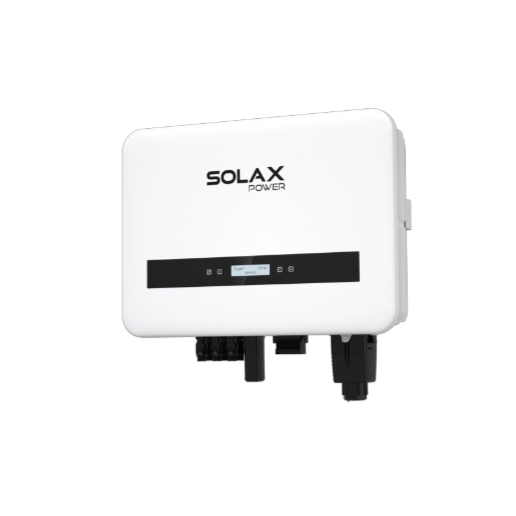
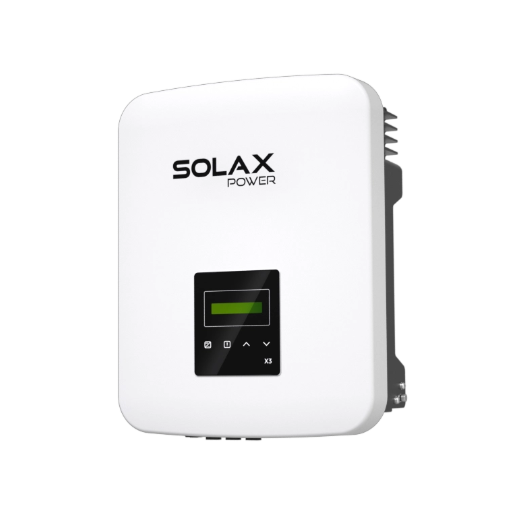
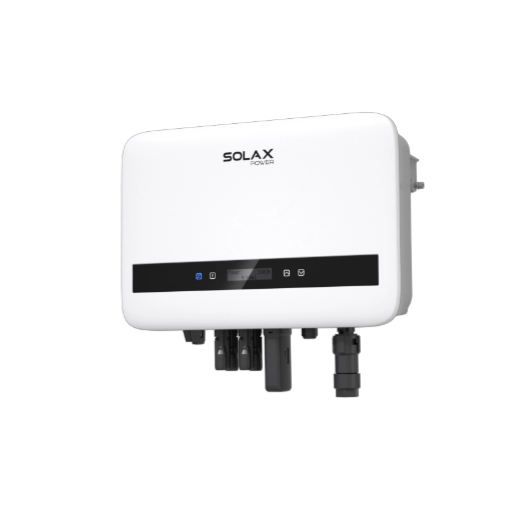
This is why your choice of equipment manufacturer is so important. A brand like Solax, with a long-term presence and a robust support network in Australia, ensures you're never stranded. If your installer disappears, you can still find help through our extensive network of trained technicians. It's the difference between buying a product and investing in a long-term energy solution, like our reliable Solax X1-Hybrid G4, backed by real, local support.
Your Warranty vs. Australian Consumer Law
When something goes wrong, it's vital to know your rights. You have multiple layers of protection.
| Protection Type | Who Is Responsible | What It Covers |
|---|---|---|
| Product Warranty | The Manufacturer (e.g., Solax) | Defects in the physical inverter or panels. |
| Workmanship Warranty | The Original Installer | Faults caused by the installation (e.g., bad wiring, roof leaks). |
| Australian Consumer Law | Retailer & Manufacturer | Guarantees products last a "reasonable time," which can extend beyond the stated warranty period. |
The Australian Consumer Law (ACL) is your most powerful tool. The ACCC has argued that a "reasonable life" for a major purchase like a solar inverter is often longer than its standard warranty. If your 5-year-warranty inverter fails in year 6, you may still be entitled to a repair or replacement under the ACL.
FAQ
Table of Contents
Last News
Explore expert insights, practical guides, and the latest news on SolaX Power.



To the Latest Newsletter
Stay Ahead with the Latest SolaX Updates!
Sign up
I have read and agree to Privacy Policy and User Terms