
















June 09, 2026
The Correct SolaX Inverter Reset Procedure (And Why It Works)
Share my #SolaXStory


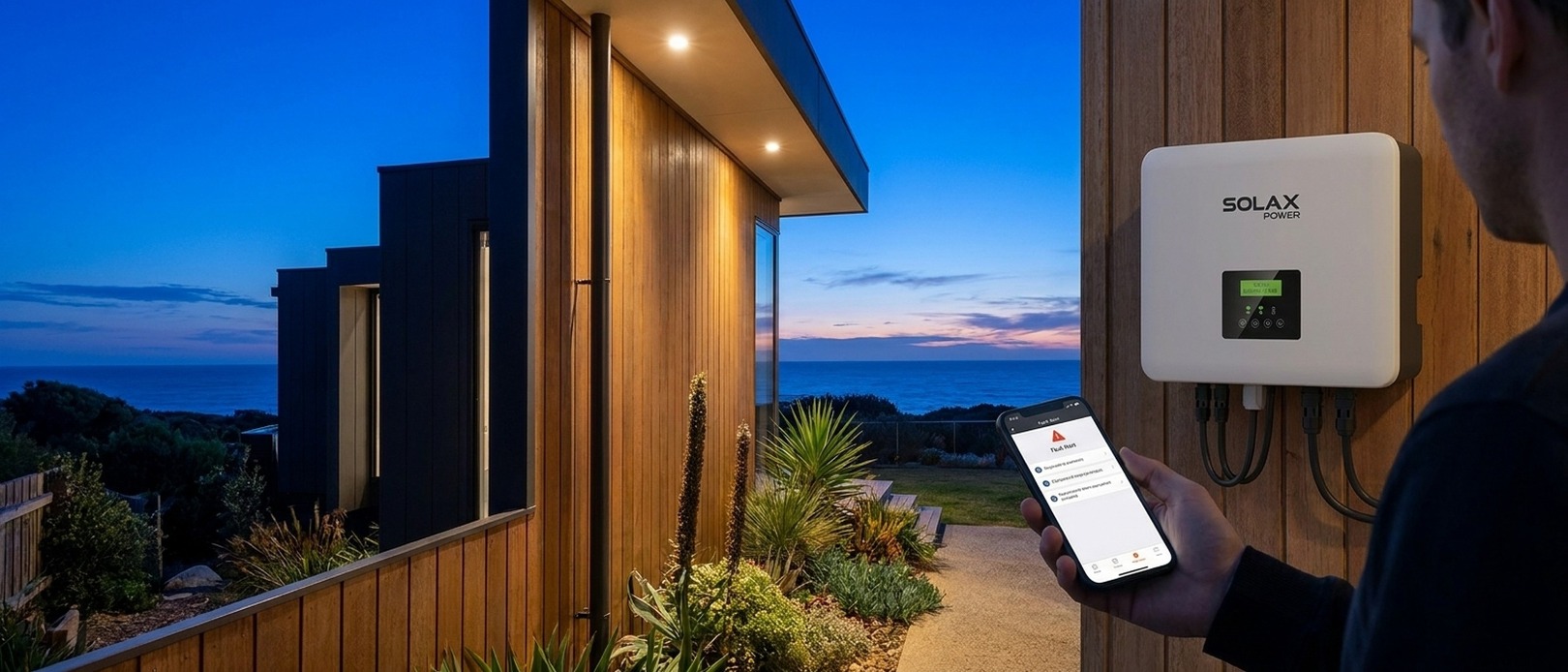
The sun is shining, your panels are ready, but your SolaX inverter screen is displaying a inverter error codes and fault diagnosis. No power is being generated, and your solar investment is sitting idle. It’s a frustrating scenario familiar to many Australian homeowners.
Your first instinct is probably to treat it like a stubborn NBN modem—just flick the switches off and on again. But when you do, the same error stubbornly reappears moments later. This isn't a simple glitch; it's a sign you're missing the single most important step in the process.
The key to a successful SolaX inverter reset
A quick 'power cycle' is the number one reason inverter resets fail. The solution is patience, not speed.
The Golden Rule: Why a 5-Minute Wait is Non-Negotiable
If you remember only one thing from this guide, make it this: after shutting down your inverter, you must wait a minimum of five full minutes before turning it back on. This isn't a suggestion; it's a technical requirement for the reset to actually work.
Inside your SolaX inverter are large components called capacitors. Their job is to smooth out the flow of electricity, but they also act like tiny batteries, holding a significant electrical charge even after you turn the power off. It takes up to five minutes for this stored energy to completely and safely discharge.
This discharge is what performs a true "cold boot." It completely drains power from the inverter's internal memory (RAM), erasing the fault code that was "stuck" there.
The "Ghost Fault" Phenomenon
If you restart the inverter too quickly, the capacitors keep the memory alive. The inverter never truly loses power, the fault code is never cleared, and it reappears the second the system boots up. This "ghost fault" makes you think you have a major hardware failure when the original issue—like a momentary grid surge—is already gone.
The Official SolaX Inverter Reset Procedure
Follow these steps precisely. The order is critical for safety and to prevent electrical arcing, which can damage your system. Before you start, locate the required switches: the Solar Supply Main Switch in your switchboard and the PV Array DC Isolator next to your inverter.
For Standard SolaX Inverters (No Battery)
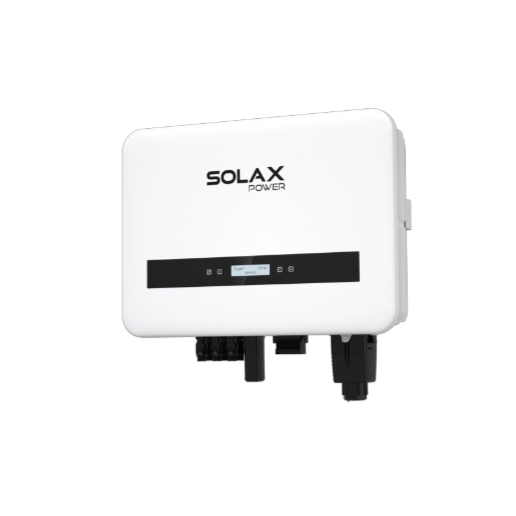
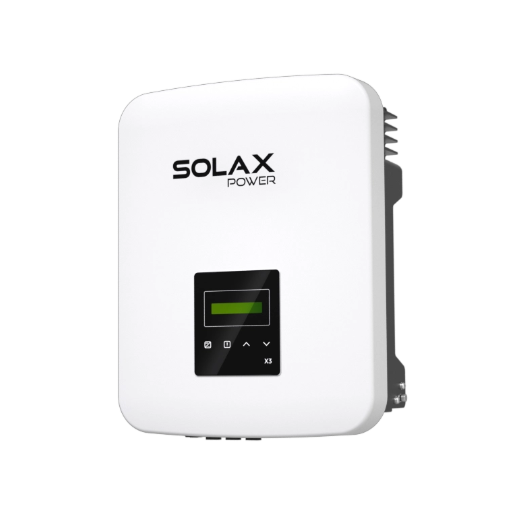
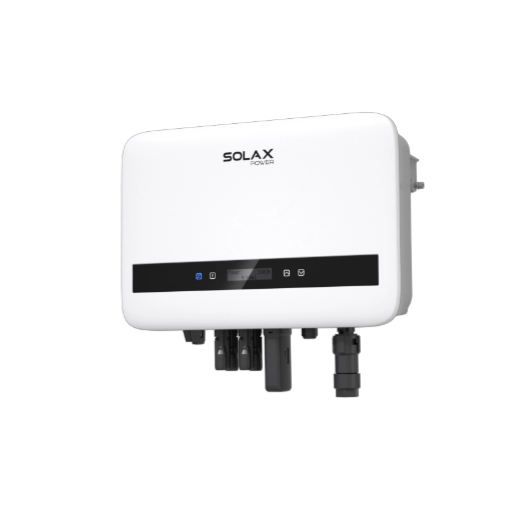
This procedure applies to string inverters like the X1-SMART G2 and X1-BOOST G4.
Shutdown Sequence:
AC Power OFF: Go to your main switchboard and turn the Solar Supply Main Switch to the OFF position. This isolates the inverter from the grid.
DC Power OFF: Go to the inverter and turn the PV Array DC Isolator (usually a large rotary switch) to the OFF position. This cuts power from your solar panels.
WAIT 5 MINUTES: Observe the inverter screen go blank. Now, set a timer for at least five full minutes. Do not skip this step.
Restart Sequence:
DC Power ON: Turn the PV Array DC Isolator back to the ON position.
AC Power ON: Go to your switchboard and turn the Solar Supply Main Switch back to the ON position.
For SolaX Hybrid Inverters (With a Battery)
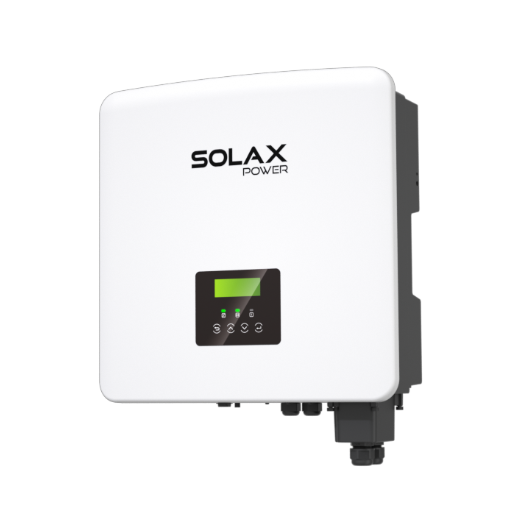
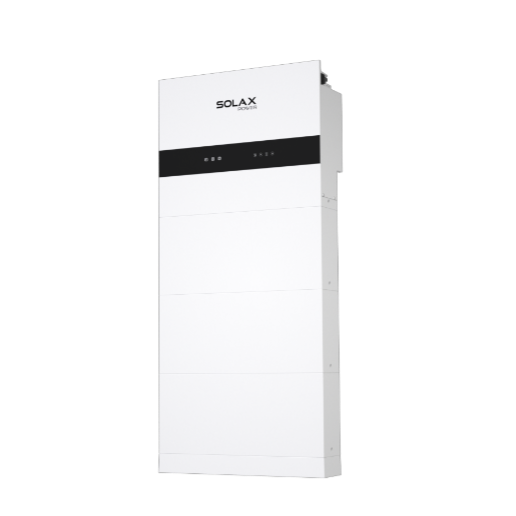
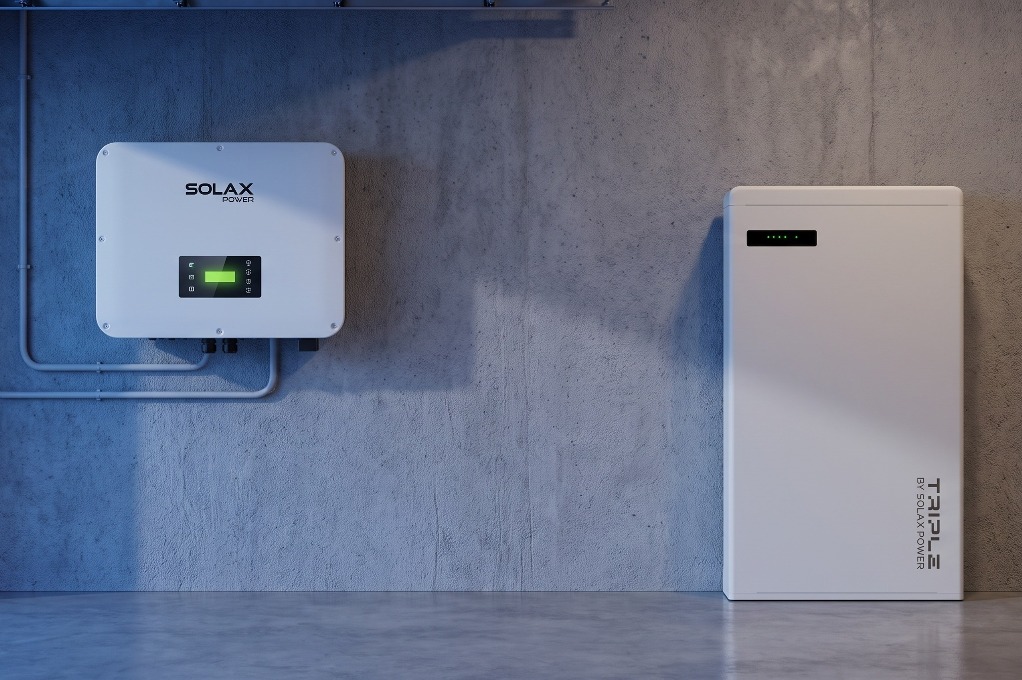
SolaX Hybrid G4 inverter
Shutdown Sequence:
AC Power OFF: Turn the Solar Supply Main Switch in your switchboard to OFF.
DC Power OFF: Turn the PV Array DC Isolator next to your inverter to OFF.
Battery Power OFF: On your SolaX battery unit, press and hold the silver power button for about 3-5 seconds until all the status lights turn off completely.
WAIT 5 MINUTES: With all power sources off, start your five-minute timer.
Restart Sequence:
Battery Power ON: Press the silver power button on the battery unit to turn it on.
DC Power ON: Turn the PV Array DC Isolator back to ON.
AC Power ON: Turn the Solar Supply Main Switch in your switchboard back to ON.
After the Reset: Is the Fault Gone for Good?
A successful how to reset your SolaX inverter procedure will clear temporary "soft faults." However, if the same error returns immediately, it likely indicates a "hard fault" that requires professional attention.
The *Other* SolaX Reset: Fixing Your WiFi Connection
Often, the problem isn't the inverter itself but the SolaX Pocket WiFi dongle that connects it to the internet. This is crucial, as SolaX's free extended warranty in Australia is conditional on the inverter being continuously connected to SolaXCloud.
The NBN 2.4GHz Problem
The SolaX Pocket WiFi dongle can only connect to a 2.4GHz WiFi network. Most modern NBN routers use "band steering" to merge the 2.4GHz and 5GHz bands under one name, which confuses the dongle.
Step-by-Step Pocket WiFi Reset:
On your phone, connect to the dongle's own WiFi network (e.g., `Wifi_SXXXXXXXX`).
Open a web browser and go to the IP address `192.168.10.10` (newer dongles, V3.0+) or `5.8.8.8` (older dongles, V2.0 and below).
In the configuration page, scan for your home WiFi network.
Select your network and re-enter your password.
Save the settings. The dongle should now reconnect to your home network.
Persistent Faults: When to Contact SolaX Support
Understanding how an inverter reset fits into the broader context of Australian consumer law and energy programs empowers you to manage your system effectively.
When Your Inverter Needs Professional Attention
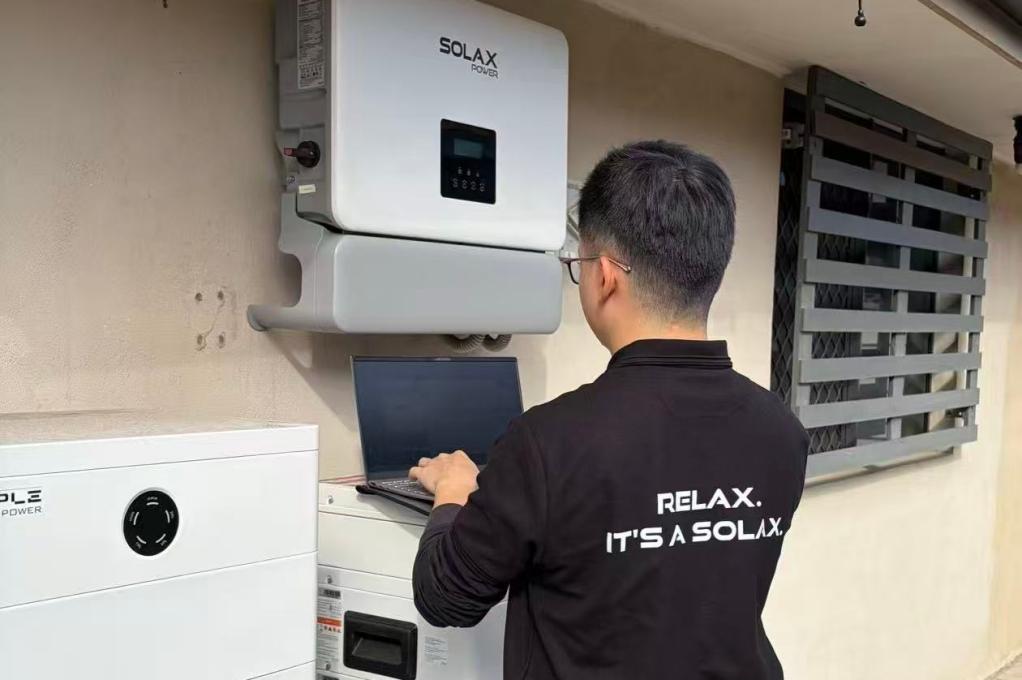
a persistent fault warranting professional attention
Virtual Power Plants (VPPs)
If you're in a VPP with a provider like Amber or Origin, a reset can interrupt their control over your system. This could cause you to export power during a negative feed-in tariff period or miss out on credits during a high-value grid event. After any reset, always check your VPP app to ensure it has re-established connection.
Environmental Faults vs. Inverter Faults
Sometimes, the inverter is just reporting an external problem. In dusty or coastal areas, a film of dirt and morning dew on your panels can trigger an "Isolation Fault." A reset clears the code, but it will return every morning until the panels are cleaned.
FAQ
Table of Contents
Last News
Explore expert insights, practical guides, and the latest news on SolaX Power.



To the Latest Newsletter
Stay Ahead with the Latest SolaX Updates!
Sign up
I have read and agree to Privacy Policy and User Terms