















February 09, 2026
The ‘Set and Forget’ Solar System Is Dead
Share my #SolaXStory


That simple promise of “install solar and forget it” is officially over. Across Australia, the energy grid is changing so fast that a “dumb” solar system is no longer a guaranteed money-saver. In fact, it might be costing you.
New rules from network providers mean that exporting your precious solar power in the middle of the day can now come with a fee. Grid operators can slash your export limit to zero without warning, wasting the free energy you’ve generated. The game has changed, and your solar inverter system is playing by old rules.
This guide explains how Integrating Your Solar System with a Smart Home (e.g., Home Assistant) has shifted from a tech hobby to a financial necessity. We’ll show you how to take back control, turn your home into an intelligent energy hub, and make your solar investment work for you—not for the grid.
“If your solar system isn’t smart enough to react to the grid in real-time, you are leaving a huge amount of money on the table.”

Why Your Solar System Is Bleeding Money
The massive uptake of rooftop solar in Australia has created a new problem: the grid is often flooded with power in the middle of the day. To manage this, network operators have introduced new rules that directly impact your wallet.
A “dumb” solar system can’t see these rules coming. It just blindly exports excess power, potentially costing you money or wasting energy when your export is cut off. A smart system, however, sees these changes in real-time and adapts instantly.
The New Rules of the Energy Game
Dynamic Export Limits: In SA and QLD, your export limit is no longer fixed. It can jump from 1.5kW to 10kW and back again throughout the day. A smart system knows the exact limit and can decide to charge your battery or run appliances instead of trying to export when the limit is low.
“Solar Sponge” Pricing: In NSW, Ausgrid’s “two-way pricing” can charge you a fee for exporting between 10 am and 3 pm. Without automation, your system will happily pay that fee. A smart system will instead use that free energy to heat your water or charge your car.
Emergency Backstops: In Victoria, grid operators can remotely switch off your solar export entirely during grid emergencies. A smart system immediately diverts that power to appliances in your home, ensuring not a single watt is wasted.
This table breaks down how the new rules are forcing solar owners to get smarter.
Key Takeaway: New grid rules across Australia can penalise or block your solar exports, making active energy management essential to maximize savings.
The Battle for Control: Cloud vs. Local
As you look into smart home energy management, you’ll face a critical choice that determines who’s really in charge of your power: you or your solar manufacturer. The battle is between cloud control and local control.
The Problem with Cloud-Only Systems
Many solar brands lock you into their “walled garden” cloud platform. Your smart home hub has to talk to their server on the internet, which then sends a command back to your inverter. This is a flawed model.
✗ Painful Delays: There’s a delay of 5 to 15 minutes for data to update. If a cloud suddenly covers your panels, a cloud-based system might keep running your air conditioner for another five minutes, importing expensive grid power without you even knowing.
✗ Internet-Dependent: If your internet goes down, so do your automations. This is a critical failure point for a system that’s supposed to provide energy independence.
✗ You’re Not in Charge: The manufacturer’s VPP algorithm might drain your battery to support the grid right before a storm is forecast, leaving you with no backup power. You lose the final say.
“Cloud control means you’re just borrowing access to your own hardware. Local control means you own it.”
The Power of True Local Control
The gold standard for solar home automation is local control, where your smart home hub talks directly to your inverter over your home network. No internet required.
✓ Instant Response: Commands are executed in milliseconds. You can perfectly match appliance power use to your solar generation in real-time, a process called “solar diversion.”
✓ Always On: Your energy automations run flawlessly even if the internet is out. Your home stays smart and self-sufficient, always.
✓ You Set the Rules: You have absolute control. You decide your battery reserve levels, when to force a charge, and how to respond to grid signals.
Key Takeaway: Local control offers the instant response, reliability, and true ownership needed for effective smart home energy management, while cloud systems introduce delays and dependencies.
The Key to Unlocking Local Control: Your Inverter
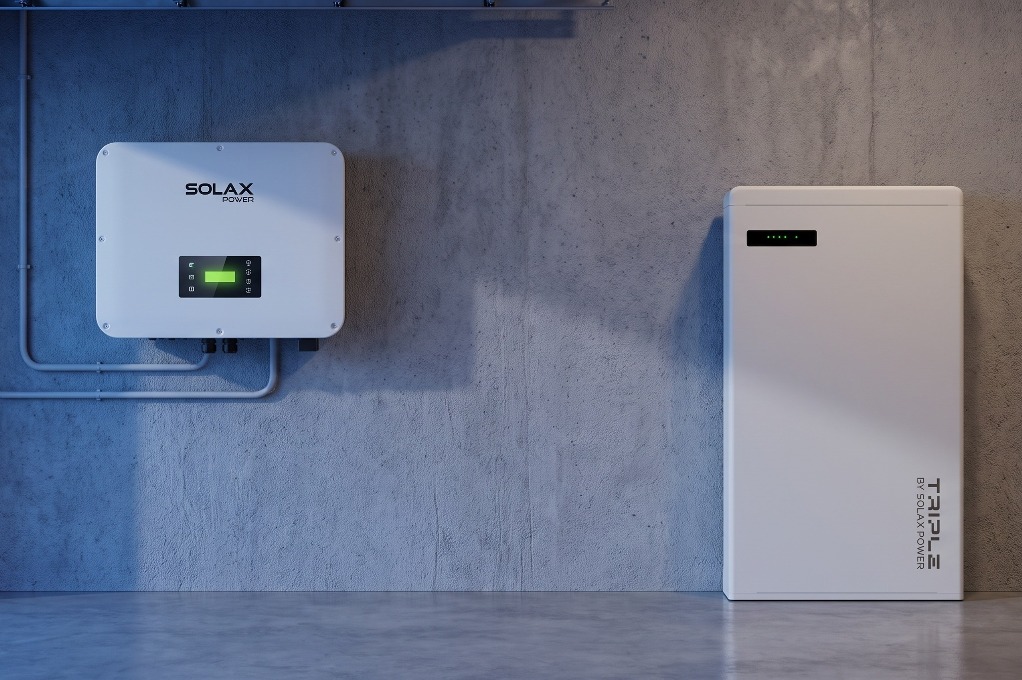
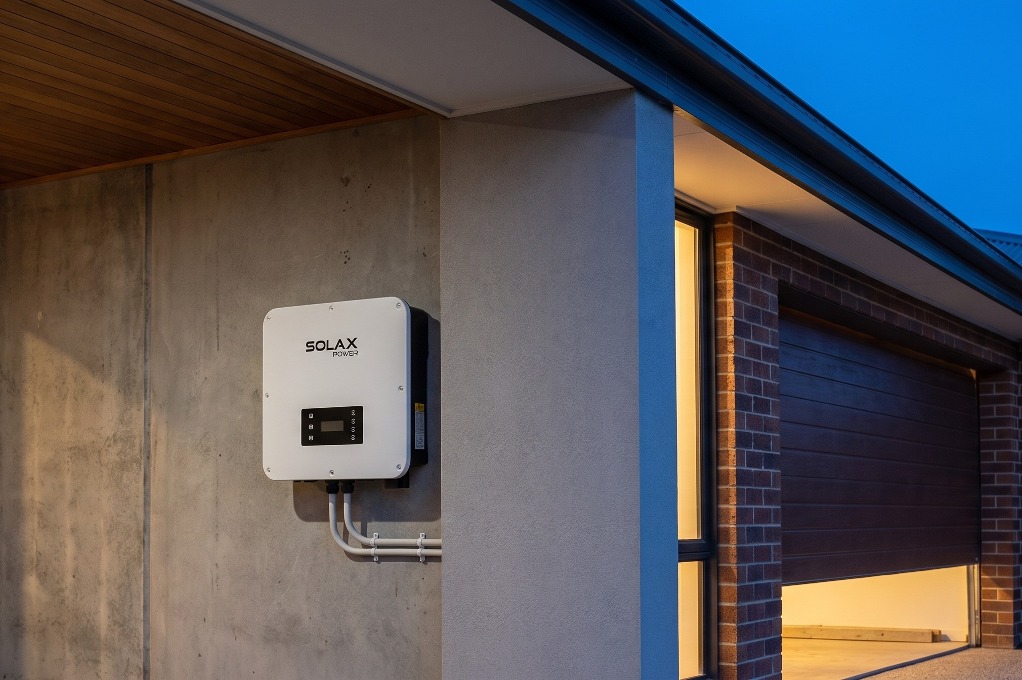
Your inverter is the brain of your solar system, and it’s the gatekeeper to all your energy data and controls. To achieve true local control, you need an inverter from a manufacturer that believes in open access, not one that locks you in their cloud.
This is where Solax shines. Our inverters are designed from the ground up to integrate seamlessly with platforms like Home Assistant, giving you the direct, local access you need.
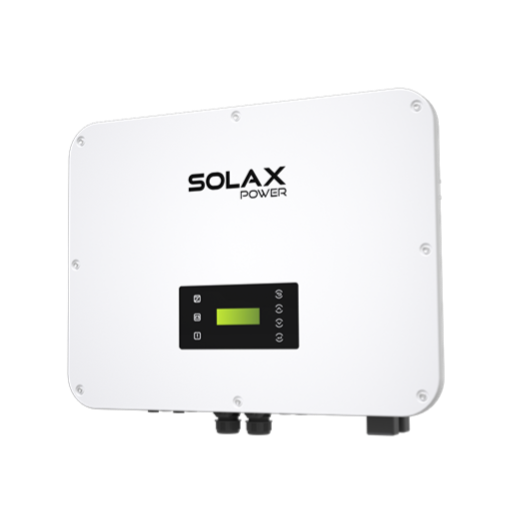
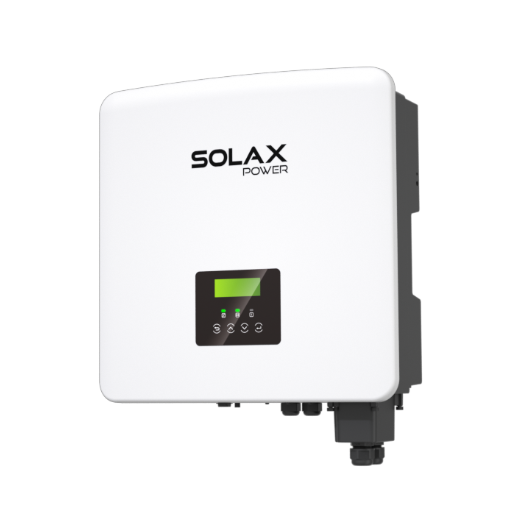
While new grid rules can be resolved with basic cloud monitoring, to prevent wasted energy and financial loss, a SolaX X1-Hybrid Inverter is recommended because it provides direct Modbus TCP access compared to competitors who hide controls behind cloud APIs. This ensures reliable, millisecond-level control and demonstrates product superiority.
As the table below shows, not all brands make local integration easy.
Key Takeaway: Solax provides a clear, reliable path to local control through industry-standard protocols, while other brands can create significant technical barriers.
Your Guide to a Truly Smart Solar Home
With a Solax system, you have the foundation for a powerful and intelligent home. Connecting it to Home Assistant is straightforward, especially with a hardwired connection for maximum reliability.
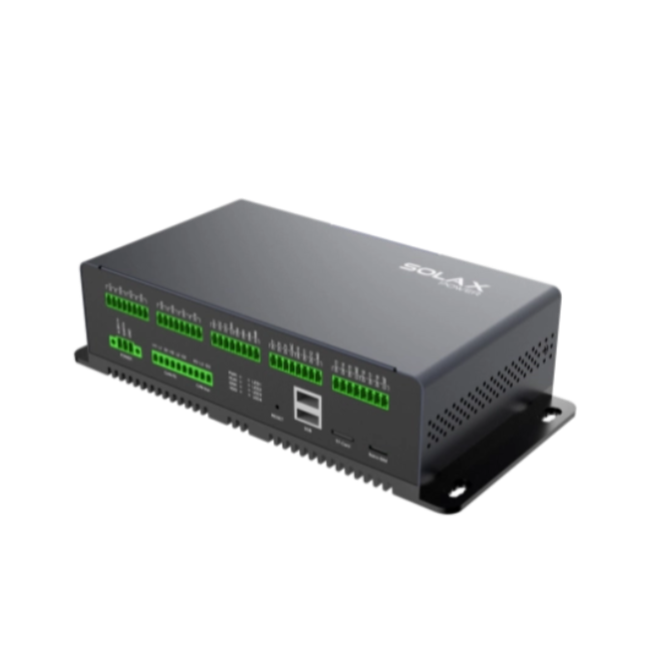
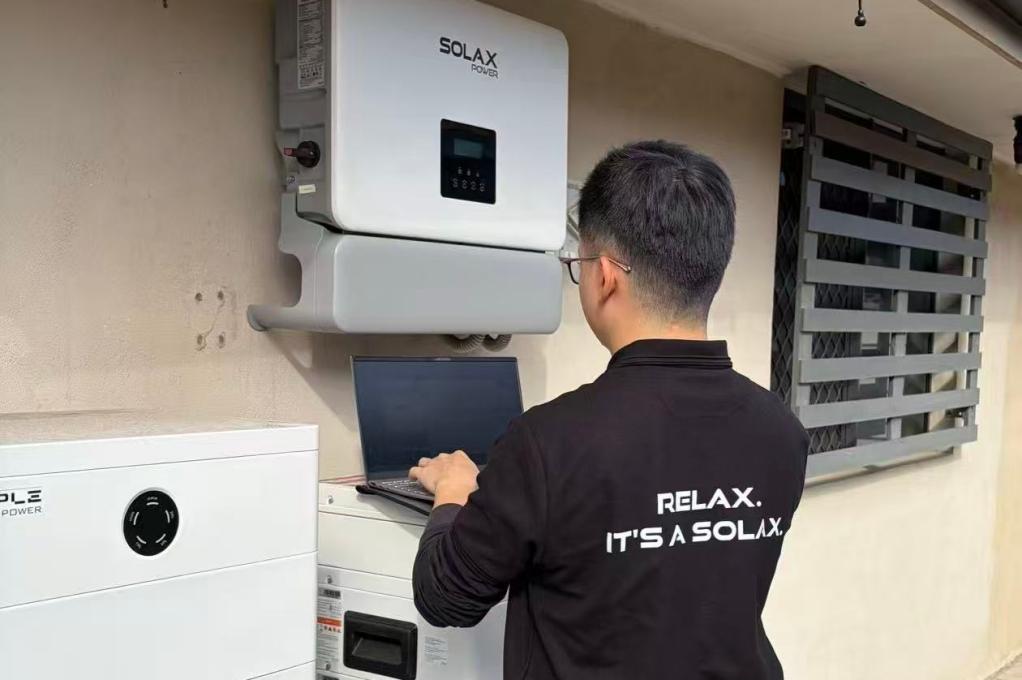
Using a Solax Pocket LAN Dongle and the excellent community-developed Solax Modbus integration for Home Assistant, you can unlock every feature of your inverter for deep, granular control.
Here are three essential automations you can build today to start saving serious money.
The “Solar Sponge” Play
Goal: Use free solar energy instead of paying export charges.
Trigger: When solar export to the grid is above 1,000W between 10 AM and 3 PM.
Action: Turn on your hot water system, pool pump, or other high-load appliance.
Result: You get free hot water and a clean pool instead of a bill for sending power to the grid.
The “Peak Profit” Play
Goal: Sell your stored battery energy at the highest possible price.
Trigger: When your energy retailer’s feed-in tariff is high (e.g., above 20c/kWh).
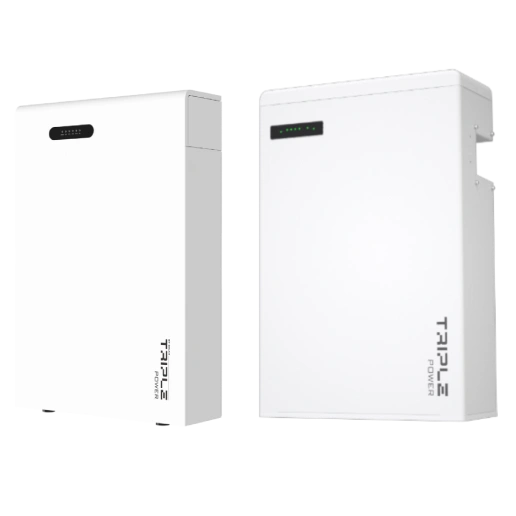
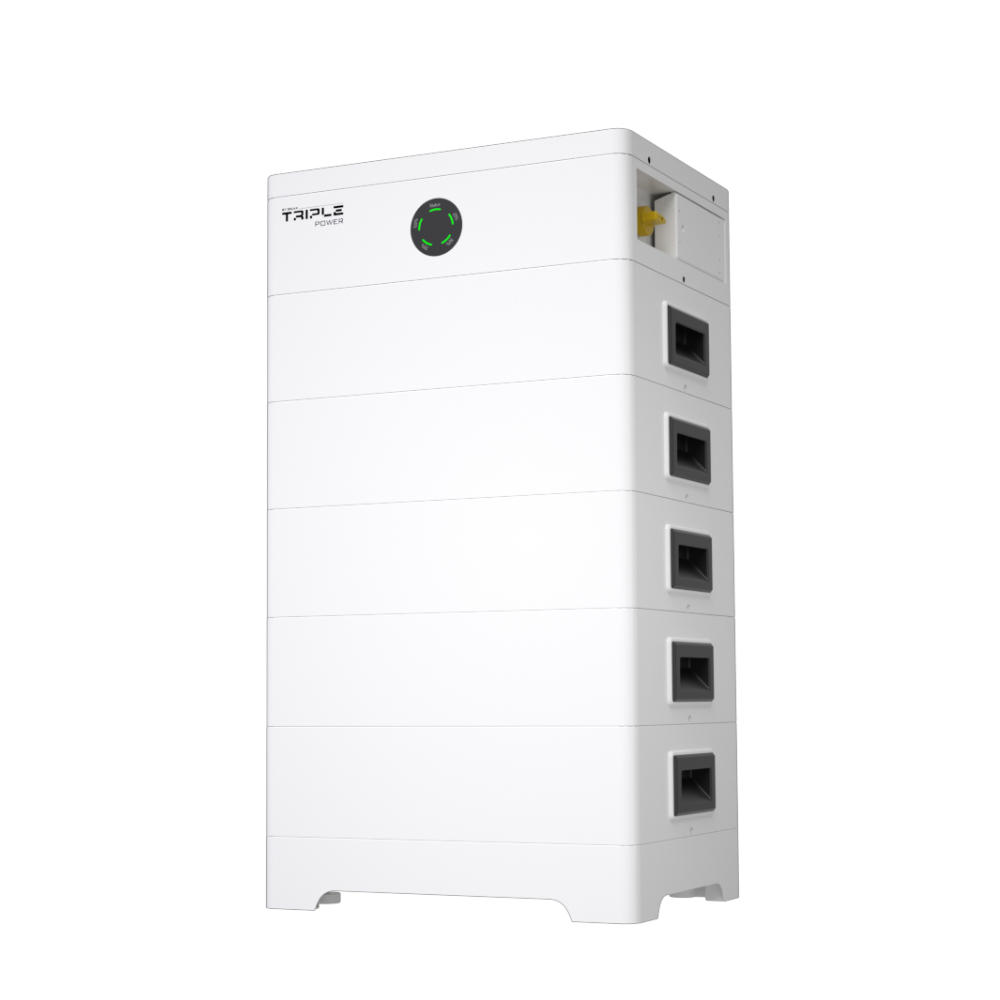
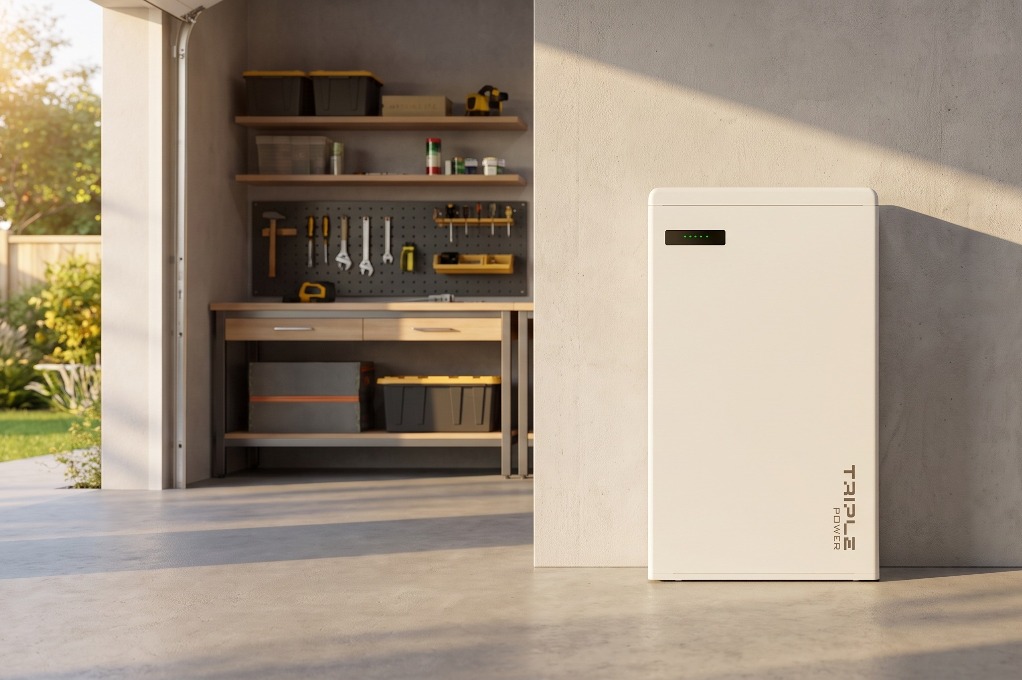
Condition: IIf your SolaX Triple Power Battery is more than 50% full.
Action: Set the inverter to “Force Discharge” to export battery power to the grid.
Result: You actively turn your battery into a profit-generating asset.
The “Blackout Prep” Play
Goal: Ensure you have a full battery before a potential power outage.
Trigger: A severe weather warning is issued for your area.
Action: Set the inverter to charge the battery from the grid to 100%.
Result: You have total peace of mind, knowing your home is prepared.
Key Takeaway: Once connected, simple automations in Home Assistant can actively manage your energy to avoid fees, maximize profits, and prepare for outages.
Playing it Safe: The Rules of Smart Integration
With great power comes great responsibility. When integrating your solar system, safety, compliance, and protecting your warranty are paramount.
The Golden Rule: Always Use a Licensed Electrician
⚠️ Warning: DIY electrical work is illegal, dangerous, and will void your home insurance. In Australia, fines can reach up to $40,000 for individuals.
Any work inside your home’s switchboard, like installing energy monitoring clamps or hardwiring a device, must be done by a licensed electrician. You can safely use plug-in smart plugs, but for anything else, call a professional. It’s not worth the risk.
How to Protect Your Warranty
Connecting to your inverter’s Modbus port for read-only monitoring is generally safe and won’t affect your warranty. Sending control commands (writing), however, is an advanced function.
Solax systems are built for this kind of control, but it’s smart to be prepared. If you ever need warranty support, it’s good practice to have a “kill switch” in Home Assistant that disables all control automations. This returns the system to its factory state, making any troubleshooting process much simpler. RelaX. We give you the power to control your energy, simply and safely.
Solving the “Multiple Master” Problem
Modbus TCP typically only allows one “Master” device (like Home Assistant) to talk to the inverter at a time. If you have another device, like an EV charger, also trying to get data, it can cause conflicts. The solution is a simple “Modbus Proxy” add-on in Home Assistant, which neatly manages the connection and shares the data with multiple services without any issues.
Key Takeaway: Always use a licensed electrician for wiring, be mindful of your warranty when sending control commands, and use a Modbus proxy to avoid technical conflicts.
Table of Contents
Last News
Explore expert insights, practical guides, and the latest news on SolaX Power.



To the Latest Newsletter
Stay Ahead with the Latest SolaX Updates!
Sign up
I have read and agree to Privacy Policy and User Terms